AI画像生成
Create polished images from simple prompts with an AI Image Generator built for speed, style control, and everyday creative workflows. Use Z-Image and other advanced models to turn ideas into visuals for ads, concepts, thumbnails, products, social posts, and design exploration.
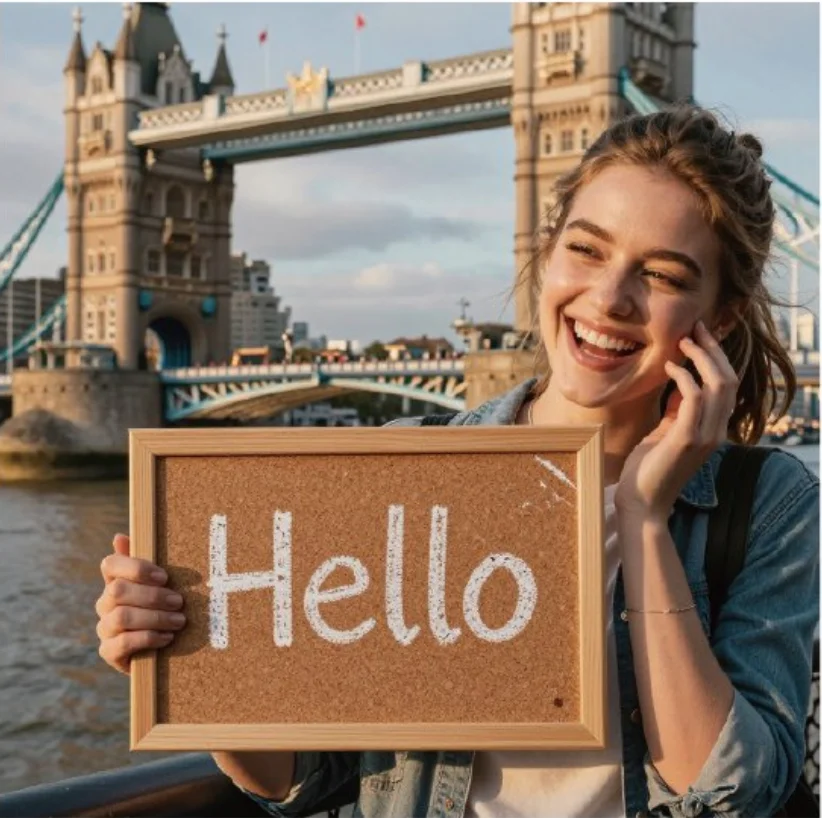
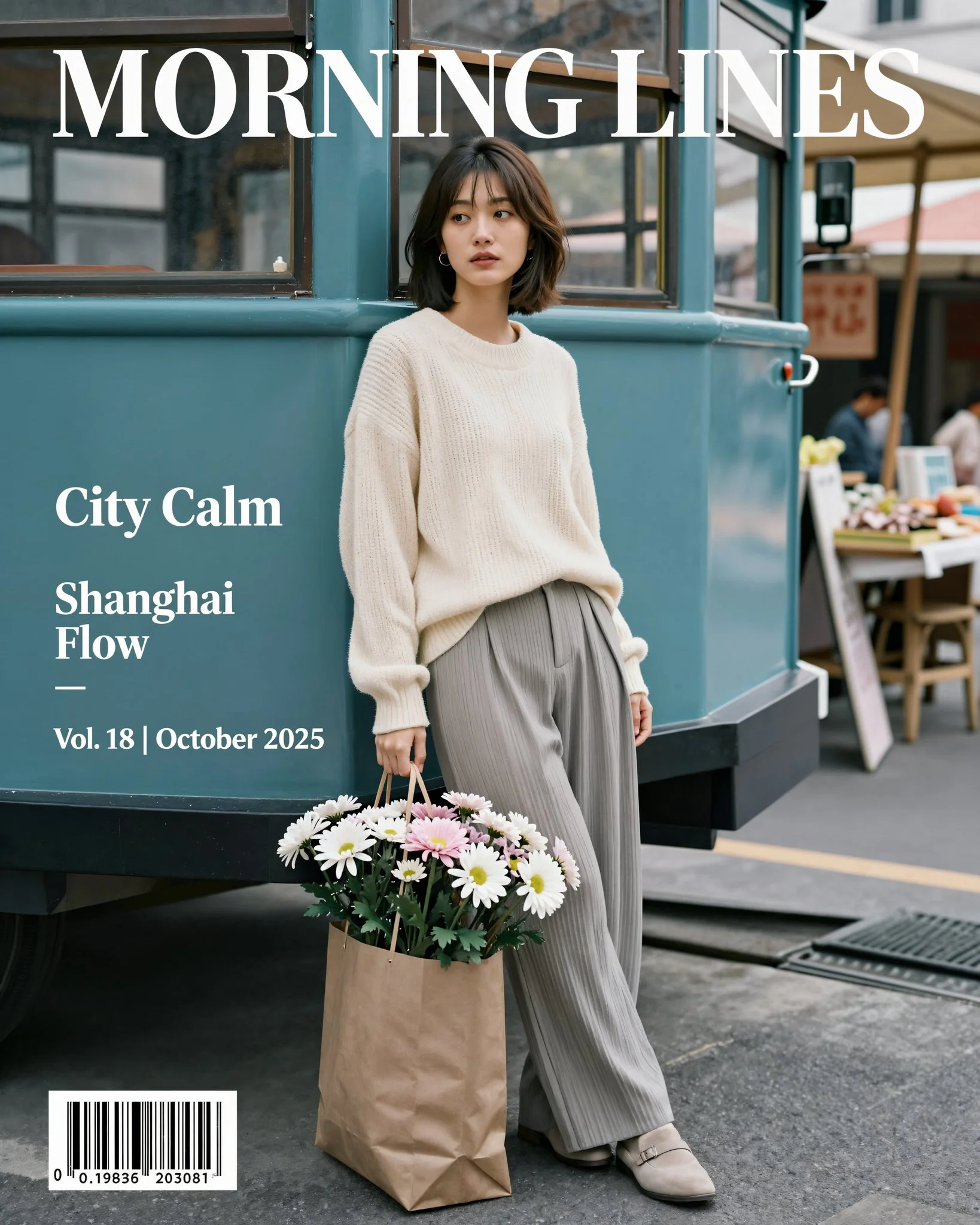
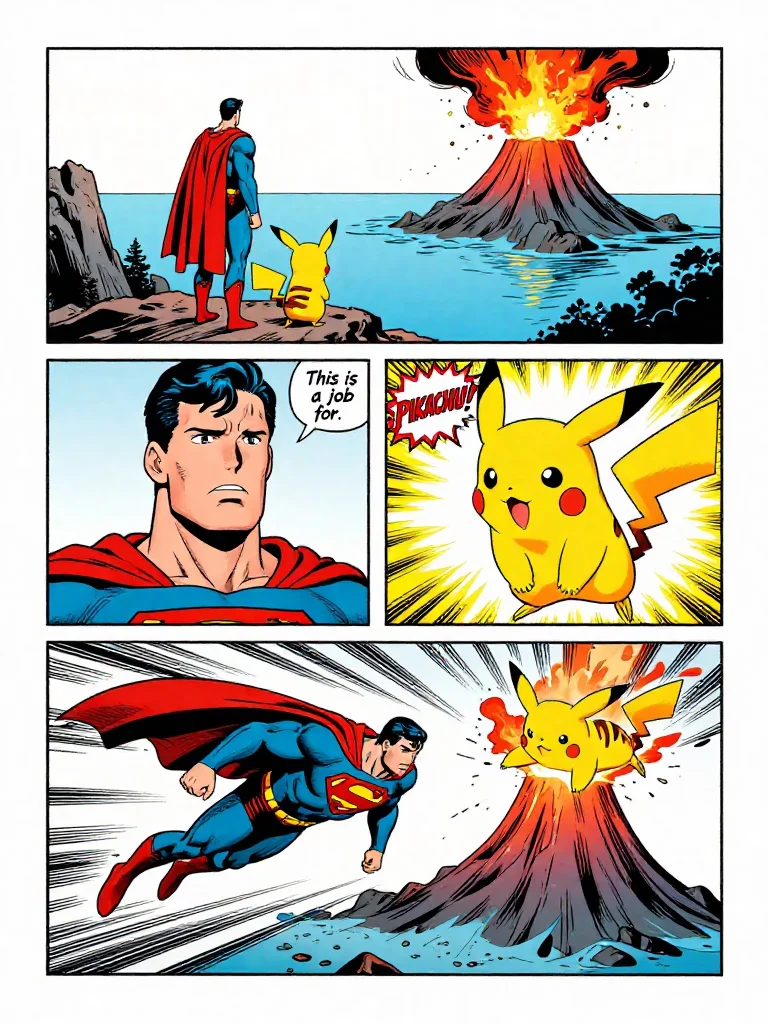
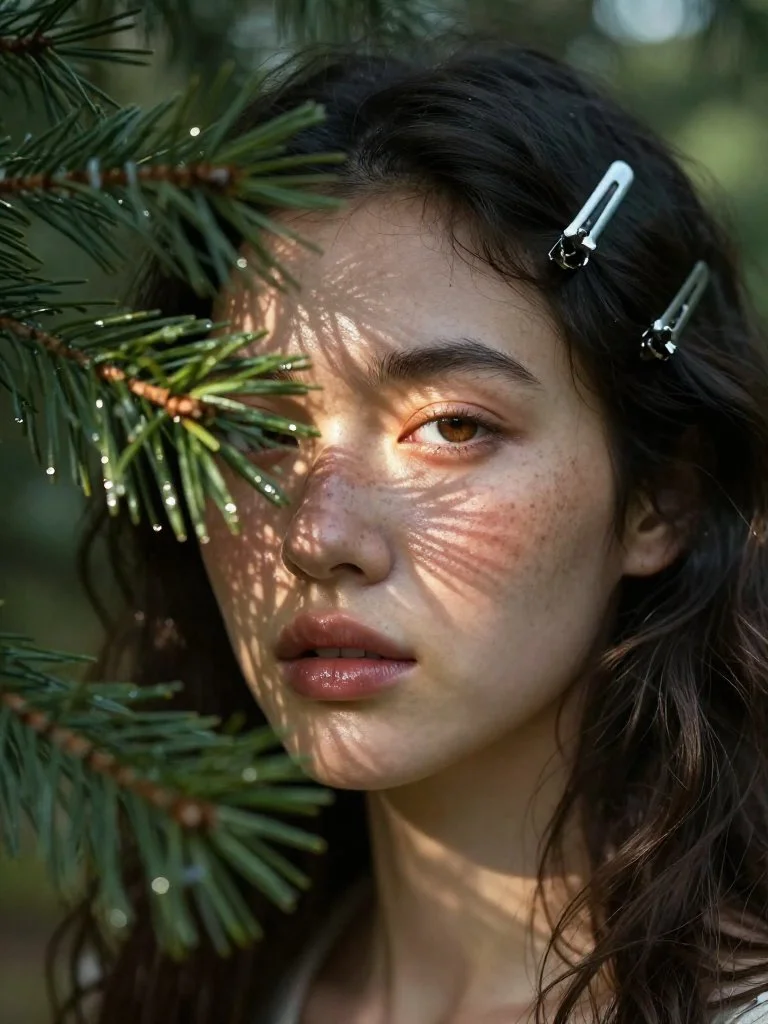
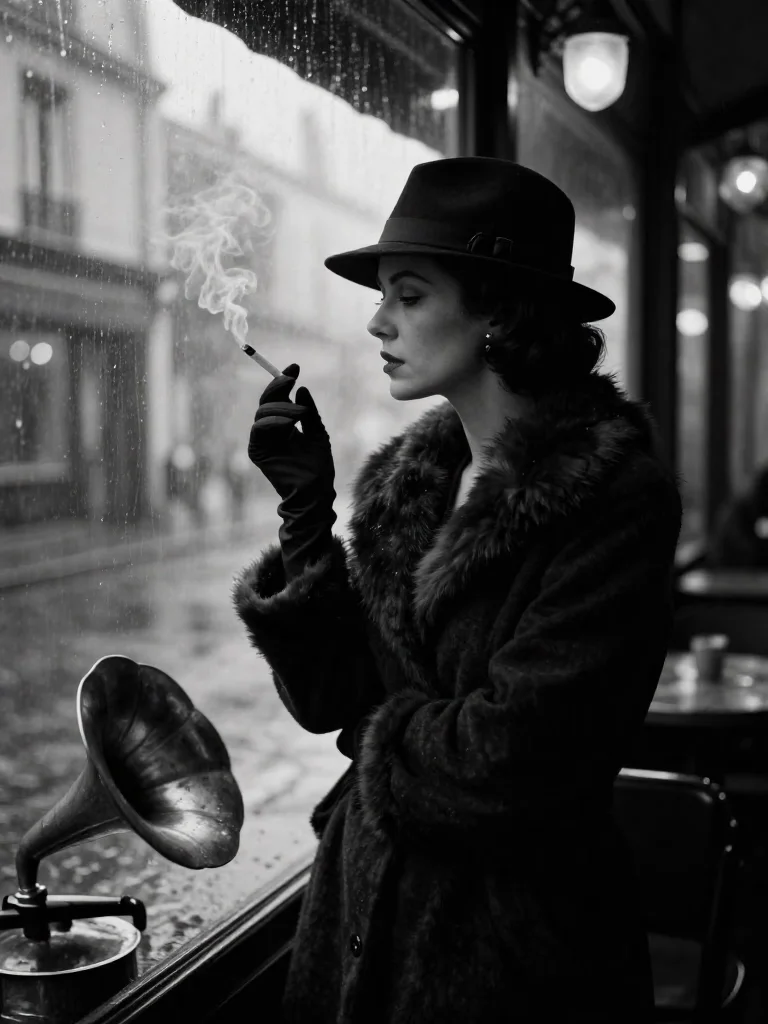
今すぐ想像を形に
左側にプロンプトを入力すると、独自の画像をすぐに生成できます。
モデル一覧


What is an AI Image Generator?
An AI Image Generator is a creative tool that converts natural language into original images. Instead of starting with a blank canvas, you describe the subject, composition, lighting, mood, aspect ratio, and visual style you want, then the AI Image Generator produces a finished image you can review, download, or refine. On Z-Image, the AI Image Generator combines fast text-to-image models, editable image workflows, and a prompt-friendly interface so creators can move from rough idea to usable visual much faster. It is useful for marketers testing campaign concepts, designers building moodboards, founders creating landing page assets, writers visualizing scenes, and developers prototyping image generation experiences. A strong AI Image Generator should understand detailed prompts, provide multiple model choices, support common aspect ratios, and make iteration feel quick enough for real creative work.
Text-to-image creation
Type a prompt such as a product scene, portrait, poster, icon concept, or fantasy environment, then let the AI Image Generator create a visual draft in seconds.
Model choice for every style
Choose from Z-Image, Flux, Nano Banana Pro, GPT Image 2, and related models so the AI Image Generator can match the quality, speed, and visual language your project needs.
Fast creative iteration
Adjust the prompt, switch aspect ratio, change the model, or reuse inspiration prompts. A good AI Image Generator helps you explore many directions without slowing your workflow.
Practical output for real work
Use generated images for concept art, ad variations, blog graphics, thumbnails, product mockups, social posts, presentation visuals, and other content that needs fresh image ideas.
How to Use the AI Image Generator
The fastest way to get strong results from an AI Image Generator is to write clear visual instructions, choose the right model, and iterate with purpose. Start simple, then add detail only where it improves the image.
Choose a model
Open the AI Image Generator and select the model that fits your goal. Z-Image Turbo is a strong default for fast image generation, while other models can be useful for specific style, text, or editing needs.
Write a detailed prompt
Describe the main subject, environment, camera angle, lighting, color palette, mood, and style. For example, a good AI Image Generator prompt can specify product photography, cinematic lighting, clean background, and square layout.
Pick an aspect ratio
Select square, landscape, portrait, or another layout before generating. The AI Image Generator uses this ratio to compose the image for social posts, website sections, thumbnails, ads, or mobile-first artwork.
Generate and refine
Review the first output, then improve the prompt. Add missing details, remove unwanted elements, change the style, or remix a gallery example until the AI Image Generator gives you an image that fits the brief.
Key Features of the AI Image Generator
Z-Image gives the AI Image Generator page enough depth for beginners and enough control for repeat creative use. The tool is built around model flexibility, prompt clarity, gallery inspiration, and practical export-ready results.
Multi-model generation
Use one AI Image Generator interface to test different image models and compare results without rebuilding your workflow.
Prompt-first workflow
The large prompt box makes it easy to describe subject, style, scene, lighting, and production details in one place.
Aspect ratio controls
Generate square, portrait, and landscape images for ads, banners, social posts, thumbnails, and product pages.
Inspiration gallery
Browse finished AI images, copy creative directions, and use gallery prompts to learn what the AI Image Generator can produce.
Image-to-image options
Supported models can use reference images for edits, transformations, and controlled visual variations.
Creator-friendly output
Generate images for content marketing, design mockups, concept exploration, storytelling, visual brainstorming, and rapid production.
AI Image Generator Q&A
Answers to common questions about using the Z-Image AI Image Generator, writing better prompts, choosing models, and improving generated images.
Start Creating with the AI Image Generator
Turn prompts into fresh visuals, explore model groups, remix inspiration, and build a faster image creation workflow with Z-Image.
サービスを評価する
いただいたフィードバックはZ-Imageの生成体験の改善に役立ちます。
4.8
5,029 件の評価