
The Z-Image Workflow for Print-on-Demand (POD) Best Sellers
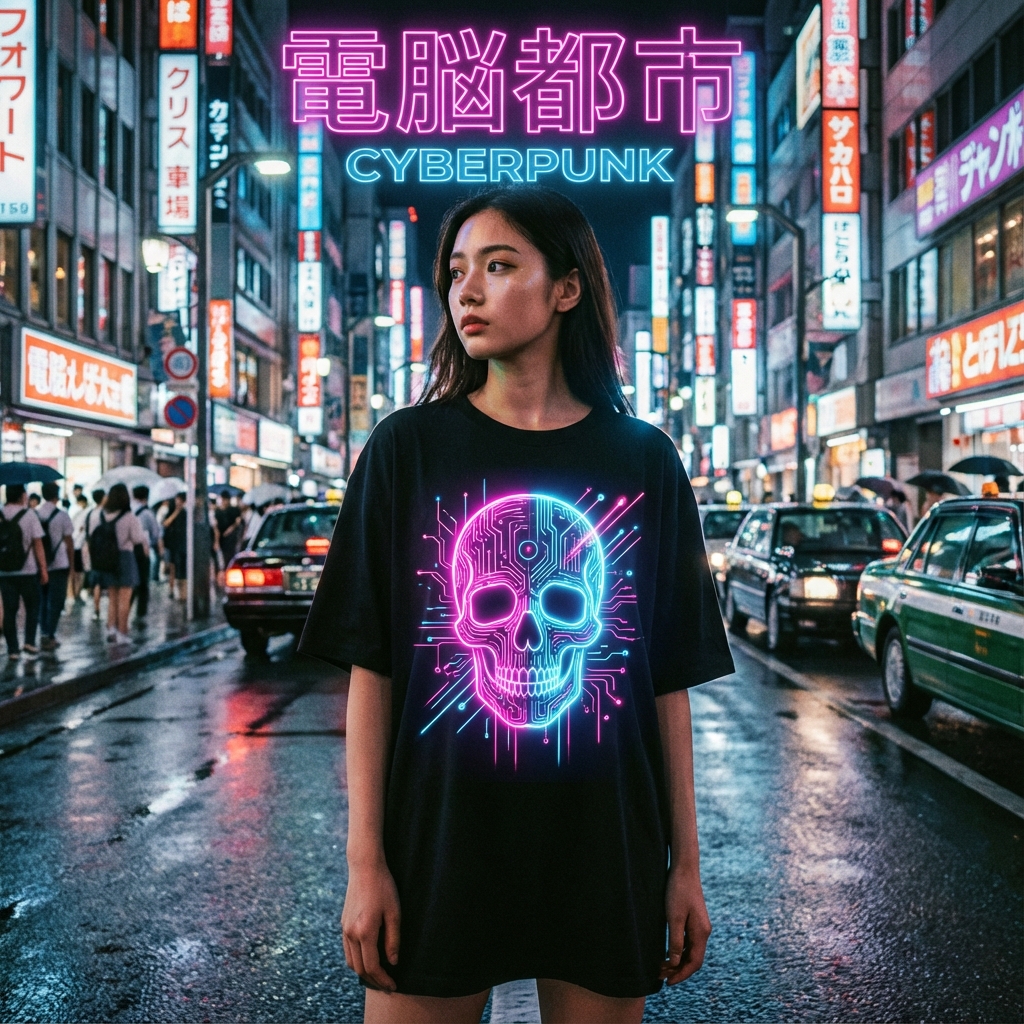
I used to spend $500 a month on freelance designers for my Print-on-Demand business.
I would wait 5 days for a design, only to get something that looked like cheap clip art.
"Can you make the skull look more... cyberpunk?" I'd ask.
"That's an extra revision fee," they'd say.
Sound familiar?
In 2025, the POD landscape is brutal. If you aren't pumping out high-quality, distinctive designs daily, you are invisible. The days of slapping "Live Laugh Love" on a mug are over.
Today, I'm going to share the exact workflow I use to generate 50+ best-selling streetwear designs a day using Z-Image, without drawing a single line.
Why Most "AI T-Shirt" Designs Fail
Let's address the elephant in the room. Most AI art looks like... AI art. It has that weird, plastic sheen. The text is gibberish. The edges are blurry.
Check out this disaster I generated with a standard model:
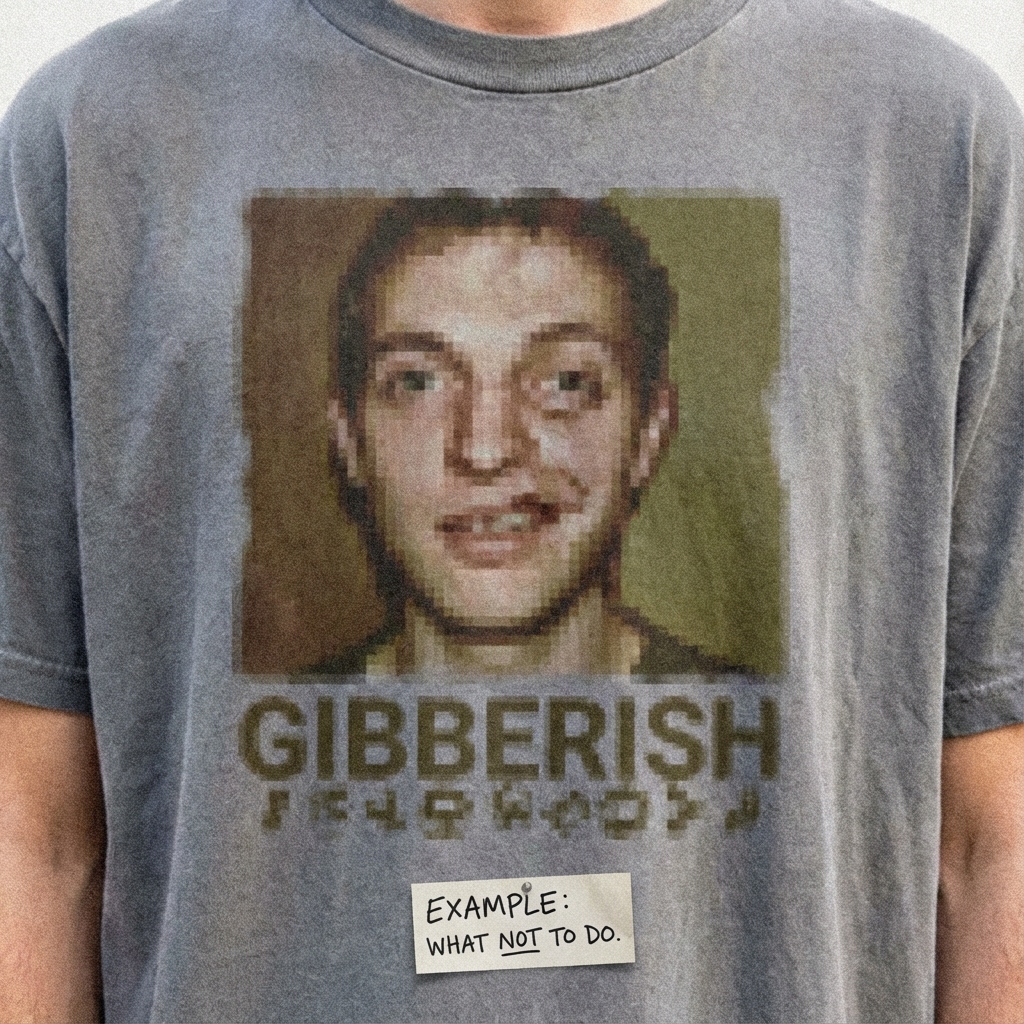
The "Gibberish" Problem: Notice the text? It looks like an alien language. Standard diffusion models treat text as shapes, not language. If you put this on a shirt, you'll get a refund request instantly.
The Secret Weapon: Z-Image Typography
Z-Image is built differently. It has a dedicated text encoder that actually understands typography. This is the difference between a throwaway generated image and a sellable asset.
Comparison: Z-Image vs. The Giants
| Feature | Midjourney V6 | DALLE-3 | Z-Image |
|---|---|---|---|
| Typography Accuracy | Hit or Miss | Good | Excellent |
| Text Style Control | Low | Low | High (Font Matching) |
| VRAM Requirement | Cloud Only ($$) | Cloud Only ($$) | 6GB (Local Capable) |
| Commercial Rights | Complex | Yes | Apache 2.0 (Open Source) |
The 4-Step "Best Seller" Workflow
Here is the blueprint. I call it the "Cyber-Scale" Protocol.
graph TD
    A[Niche Research] -->|Identify Trend| B(Z-Image Generation);
    B -->|Flat Design| C{Quality Check};
    C -->|Fail| B;
    C -->|Pass| D[Upscale to 4k];
    D -->|Remove Background| E[Printful/Printify];
Step 1: The "Prompt Engineering" for Apparel
You need a prompt that forces the AI to think in "Vector" terms, not "Photo" terms.
Use these keywords: isolated on black background, vector style, flat colors, clean lines, t-shirt design.
My Golden Prompt: "A high-quality flat lay vector graphics design for a streetwear t-shirt. Theme: Cyberpunk Japanese Aesthetic. Bold kanji typography saying 'FUTURE', neon blue and pink color palette, glitch art style skull in the center. Black background, isolated. Print-ready 300 DPI style."
Step 2: Generation & Selection
Head over to Z-Image.
- Select Text-to-Image.
- Paste the Golden Prompt.
- Set Aspect Ratio to 3:4 (Vertical is better for shirts).
- Hit Generate.
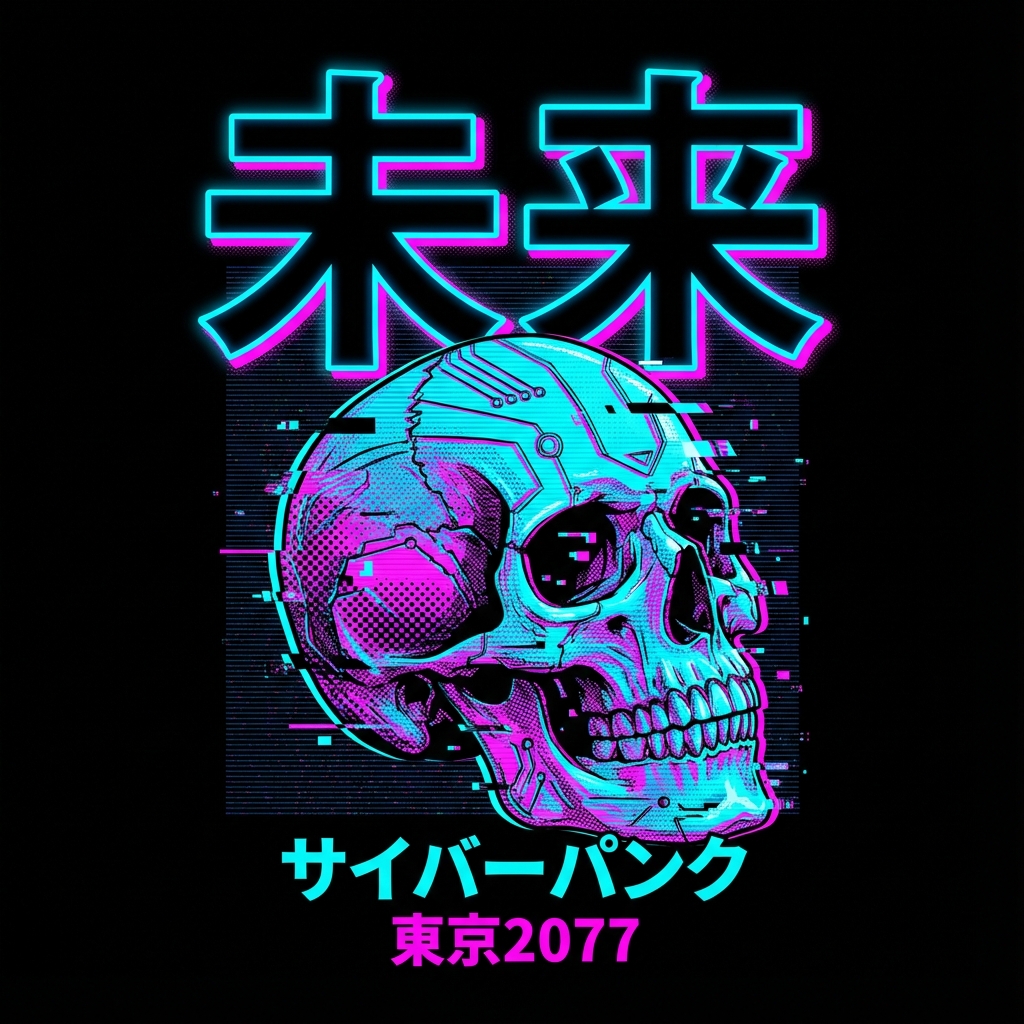
Look at that text. Crisp. Readable. The aesthetic is cohesive.
[!WARNING]
Copyright Alert: Always check your generated text for accidental trademark infringements. If the AI generates a brand logo (like Nike or Supreme) by accident, DO NOT USE IT. You will get banned from Etsy.
Step 3: Upscaling (The Technical Part)
AI images usually come out at 1024x1024. That is NOT enough for a T-Shirt print (which needs 300 DPI coverage).
You need to upscale. You can use tools like Topaz Gigapixel, or if you're a coder, use a Python script with an open-source upscaler like Real-ESRGAN.
Here is a snippet of the batch processing logic I use:
# Pseudo-code for bulk upscaling
import os
from z_image_api import Upscaler

def bulk_process(folder_path):
    for image in os.listdir(folder_path):
        if image.endswith(".png"):
            # 4x Upscale
            high_res = Upscaler.enhance(image, scale=4)
            # Remove Black Background using rembg
            transparent = remove_background(high_res)
            save_to_print_folder(transparent)

print("Batch processing 50 designs...")
Step 4: Mockups that Sell
Don't just upload the PNG file. You need to show the customer a vibe.
Use Z-Image's Image-to-Image feature to place your design on a model.
Prompt: "A realistic lifestyle mockup of a young model wearing a black oversized t-shirt in a Tokyo street at night..."
Conclusion
The barrier to entry for Print-on-Demand has never been lower, but the barrier to success has never been higher. Quality is the only differentiator left.
By using Z-Image, you aren't just "using AI". You are building a scalable, high-quality design studio on your laptop.
Stop paying for designs. Start building your brand.