
Z-Image vs GPT Image 2: Open-Source Power Meets Premium Quality
One is free, open-weight, and runs on your gaming PC. The other is OpenAI's most advanced image generator with near-perfect text rendering — but costs per image and lives behind an API. Z-Image and GPT Image 2 represent two fundamentally different philosophies in AI image generation, and choosing between them isn't just about quality. It's about how you work, what you can spend, and how much control you need.
The Core Difference in One Sentence
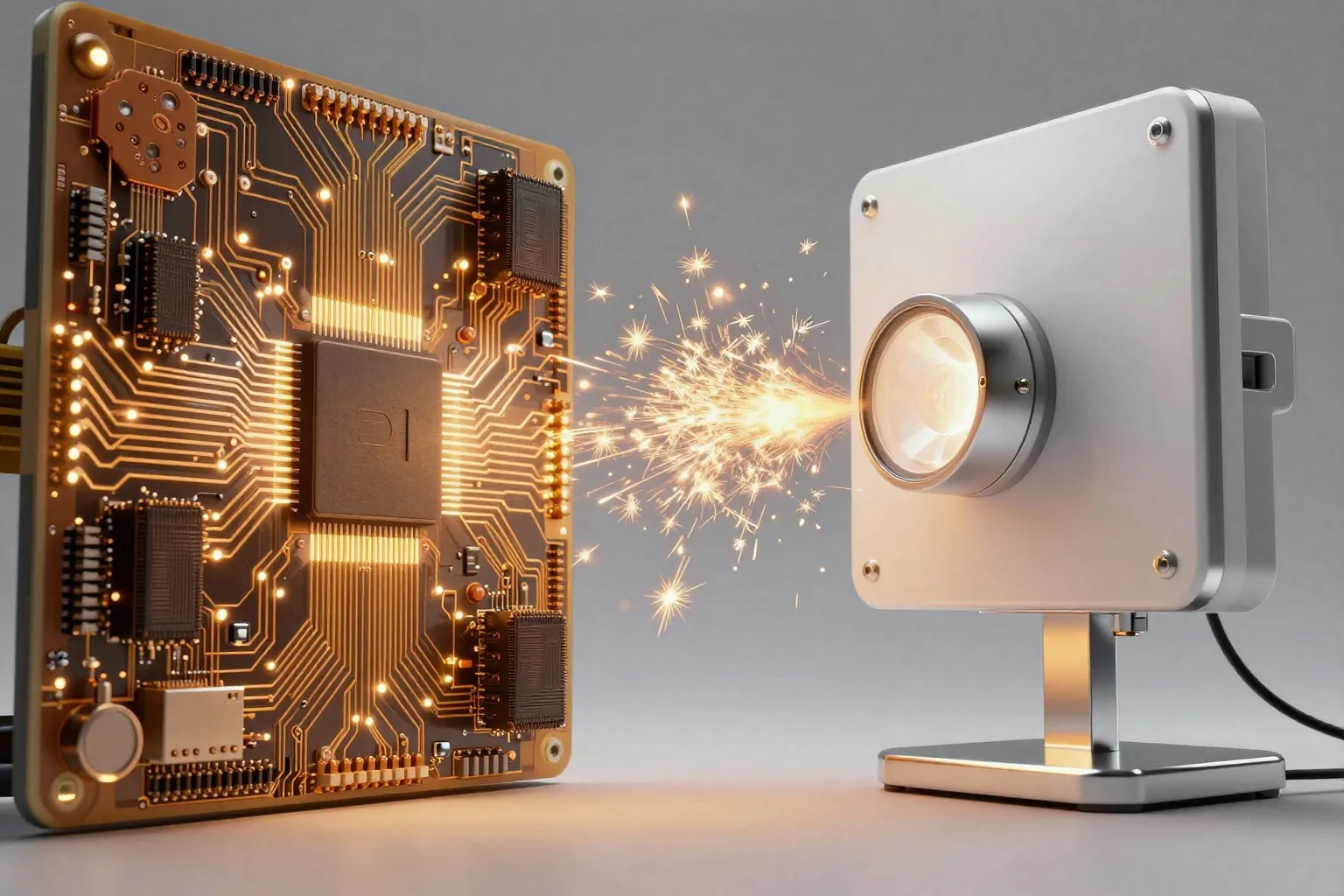
Z-Image gives you freedom. GPT Image 2 gives you polish.
Z-Image is a 6B-parameter open-weight model you can download, modify, fine-tune, and run locally on consumer hardware — completely free. GPT Image 2 is a proprietary API-only service from OpenAI that produces arguably the best all-around image quality available today, at a per-image cost.
Neither is objectively better. The right choice depends entirely on your use case, budget, and technical setup.
Quality: How Do They Actually Compare?
Photorealism
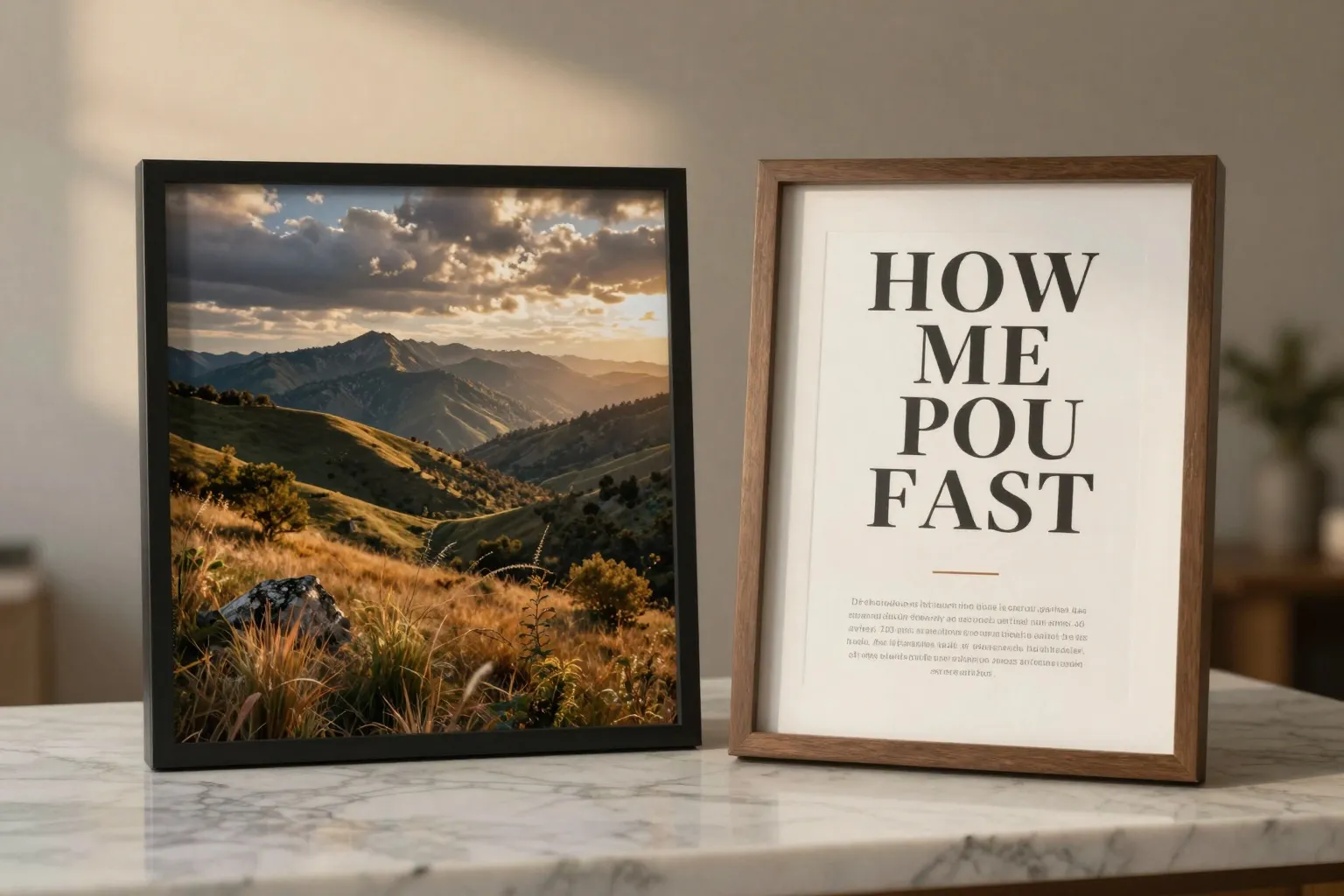
GPT Image 2 edges ahead in raw photorealism. According to community benchmarks and the GenAI Showdown, it produces images with fewer telltale AI artifacts — more natural skin textures, better material rendering, and more convincing lighting. OpenAI officially introduced GPT Image 2 as their "state-of-the-art" generation model, and the quality shows.
Z-Image is no slouch — the Hacker News community called it "the first successor to Stable Diffusion 1.5 that delivers better quality across the board." But in direct head-to-head comparisons, GPT Image 2 typically wins on subtle realism details.
Text Rendering
This is GPT Image 2's most decisive advantage. It renders text in images with near-perfect accuracy — including multilingual support, complex layouts, and dense typography. As TechCrunch reported, the model's text capabilities represent a genuine breakthrough.
Z-Image handles basic text rendering reasonably well and supports both English and Chinese. But for anything beyond short labels — posters, infographics, multi-line text compositions — GPT Image 2 is simply in a different league.
Prompt Adherence
Both models follow complex prompts well, but in different ways:
- GPT Image 2 excels at multi-element composition — placing 5+ objects in specific positions with precise attributes
- Z-Image is better at following exact aesthetic specifications (camera angle, lighting type, art style) when you craft detailed prompts
For maximizing Z-Image's prompt adherence, our Z-Image Prompting Masterclass covers the specific formulas that work.
Speed and Cost
This is where the comparison becomes starkly one-sided:
| Metric | Z-Image Turbo | GPT Image 2 |
|---|---|---|
| Cost per image | Free (self-hosted) | $0.008–$0.160 (API) |
| Generation speed | ~4 seconds (local GPU) | ~8-15 seconds (API) |
| Monthly cost (100 images) | $0 | $0.80–$16.00 |
| Monthly cost (10,000 images) | $0 (electricity only) | $80–$1,600 |
| Local deployment | Yes | No |
| API required | No | Yes |
| Rate limits | None (your hardware) | OpenAI API limits |
At low volumes, GPT Image 2's cost is negligible — a few dollars a month. But at production scale (thousands of images), Z-Image's free self-hosting becomes a massive advantage. A startup generating 50,000 images per month would spend $400–$8,000 on GPT Image 2 API calls, versus essentially nothing with Z-Image on a rented GPU server.
Architecture and Access
The fundamental architectural difference shapes everything else:
Z-Image
- 6B-parameter single-stream Diffusion Transformer (DiT)
- Open-weight — downloadable from Hugging Face
- Runs locally on 6-8 GB VRAM (quantized)
- Full LoRA fine-tuning support
- ComfyUI, Diffusers, and custom pipeline integration
- No usage tracking, no content policy beyond your own
GPT Image 2
- Proprietary architecture (undisclosed parameters)
- API-only access via OpenAI's platform
- Supports multi-turn editing and reference images
- Built-in content safety filters
- Native integration with ChatGPT ecosystem
- HD export with flexible image sizes
The open vs. closed distinction isn't philosophical — it has practical implications. With Z-Image, you own your pipeline end-to-end. With GPT Image 2, you're dependent on OpenAI's pricing, uptime, and content policies.
When to Use Z-Image
Choose Z-Image when:
- Budget matters. You need to generate thousands of images without per-image costs.
- Privacy is critical. You can't send proprietary visuals through a third-party API.
- Customization is required. You need LoRA fine-tuning for consistent brand styles, character faces, or domain-specific aesthetics.
- You want full control. No rate limits, no API dependency, no policy restrictions beyond your own.
- Speed is prioritized. Z-Image Turbo generates in ~4 seconds on a decent GPU.
- You're building a product. Embedding image generation into your SaaS, app, or platform.
For guidance on deploying Z-Image in commercial applications, see our commercial use guide.
When to Use GPT Image 2
Choose GPT Image 2 when:
- Text rendering is critical. Your images contain complex text — marketing materials, social graphics, presentation decks.
- You want maximum quality with zero setup. No GPU needed, no model downloads, no ComfyUI configuration.
- Multi-turn editing matters. You need to iteratively refine an image through conversation — "move the logo left," "make the background warmer," "add a third person."
- Character consistency is required. GPT Image 2 excels at maintaining reference character appearance across multiple generations.
- Volume is low. You generate fewer than 1,000 images per month, so API costs are minimal.
- You're already in the OpenAI ecosystem. Using ChatGPT, GPT-4, or other OpenAI tools in your workflow.
Try GPT Image 2 directly on our GPT Image 2 page.
The Hybrid Approach
Smart teams use both:
-
Use Z-Image for volume work — batch generation, A/B testing variations, filling product catalogs, generating training data. The zero marginal cost makes it perfect for tasks where you need many outputs.
-
Use GPT Image 2 for hero assets — the final marketing image, the client-facing presentation, the social post that needs perfect text rendering. Pay for quality where it matters most.
This approach gives you GPT Image 2's quality ceiling with Z-Image's cost floor. For most businesses, the hybrid model is the optimal configuration.
Head-to-Head Summary
| Factor | Z-Image | GPT Image 2 |
|---|---|---|
| Overall visual quality | Very Good | Excellent |
| Text rendering | Good | Near-perfect |
| Cost | Free | $0.008–$0.160/image |
| Speed | ~4s (Turbo) | ~8-15s (API) |
| Open source | Yes | No |
| Local deployment | Yes | No |
| LoRA fine-tuning | Yes | No |
| Multi-turn editing | No | Yes |
| Character consistency | LoRA-based | Built-in |
| Setup complexity | Medium | None |
| Scalability cost | Near-zero | Linear |
The Bottom Line
If you're an individual creator who needs the absolute best text rendering and doesn't mind paying a few cents per image, GPT Image 2 is the obvious choice. Setup is instant, quality is exceptional, and the cost is trivial at low volumes.
If you're a developer, startup, or creative team that needs to generate at scale — or if you simply value the freedom to run, modify, and control your own tools — Z-Image is the clear winner. Free, fast, open, and endlessly customizable.
For a broader look at how Z-Image stacks up against other leading models, check out our Z-Image vs Midjourney vs Flux comparison.
The best model isn't the one with the highest benchmark score — it's the one that fits your workflow, budget, and creative needs.