Design is Expensive. AI is Cheap.
Startups spend thousands on logos. But minimalist vector art is actually one of the easiest things for AI to generate perfectly.
The trick is telling Z-Image to forget "photorealism" and think "Adobe Illustrator".
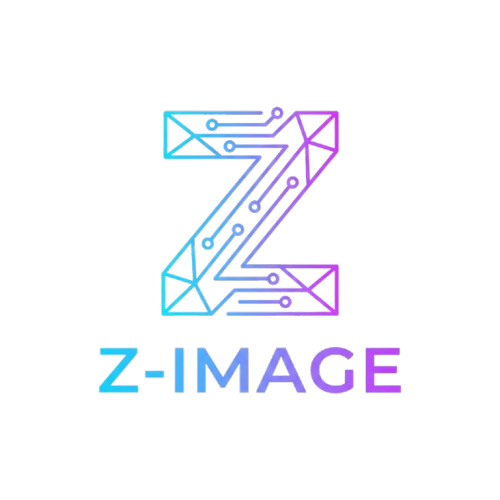
1. The Startup Logo (Monogram)
You need something scablable.
The Prompt:
vector logo design of letter "Z", minimalist, flat design, tech blue and white, geometric shapes, white background, adobe illustrator style, svg style
Example: The Tech Company
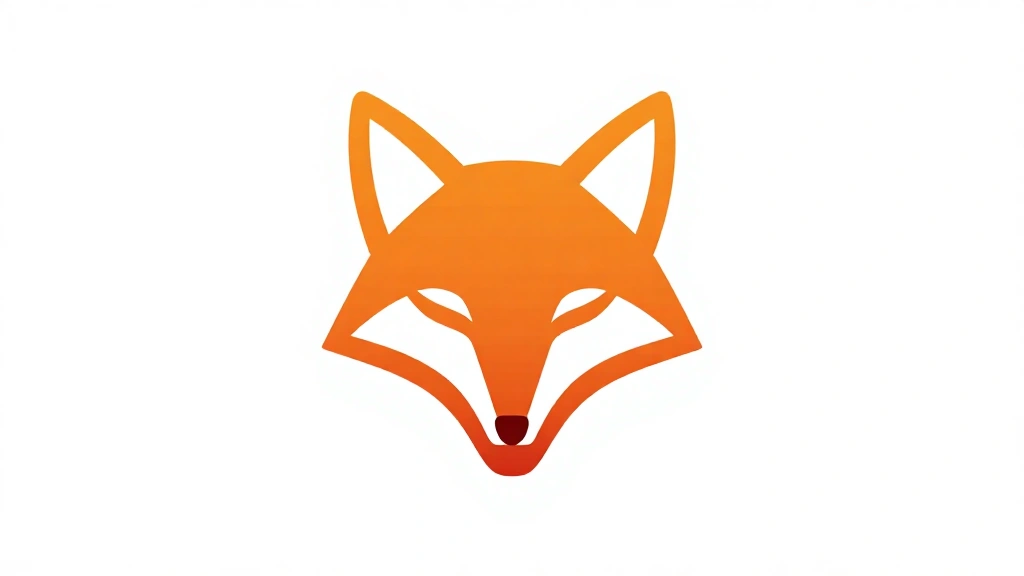
"vector logo design of a abstract fox head, minimalist, flat design, orange gradient, geometric shapes, white background, professional corporate identity"
2. Sticker Art
Need assets for your laptop or Slack workspace?
The Prompt:
die-cut sticker design of [SUBJECT], white border, vector style, vibrant colors, cute, simple shading, white background
Example:
"die-cut sticker design of a coffee cup with a happy face, white border, vector style, vibrant colors, cute, simple shading"
3. The "Negative Space" Trick
This creates the most professional looking icons.

The Prompt:
black and white vector icon of a [SUBJECT], using negative space, minimalist, flat, high contrast, symbol
Example:
"black and white vector icon of a cat, using negative space, minimalist, flat, high contrast, symbol"

Converting to SVG
Z-Image outputs PNGs. To use these commercially:
- Upscale image to 4k.
- Use a free tool like Vectorizer.ai or Adobe Illustrator's "Image Trace".
- Export as SVG.
Start compressing your images for free right now → use z-image!