
The "Lorem Ipsum" Trap in AI Design
For years, designers have used AI for inspiration, but never for production. Why? Because nearly every major model (Midjourney, Stable Diffusion XL) fails at one critical thing: Text.
You generate a beautiful dashboard, but the numbers are "8888" or alien squiggles. You generate a landing page, but the headline looks like ancient runes. This means you still have to export to Figma and replace everything.
Z-Image changes this.
Why Real Text Matters in Ideation
When you can generate legible, meaningful text during the ideation phase, you aren't just creating a "vibe"—you are creating a Product.
1. The SaaS Dashboard Layout
Complex data interfaces are the hardest test for any model. They require straight lines, consistent iconography, and readable numbers.
Prompt: A high-fidelity UI design of a dark mode SaaS analytics dashboard. Clear white text. Header says 'Revenue Overview'. Large metric number '2,450'. Sidebar with icons.
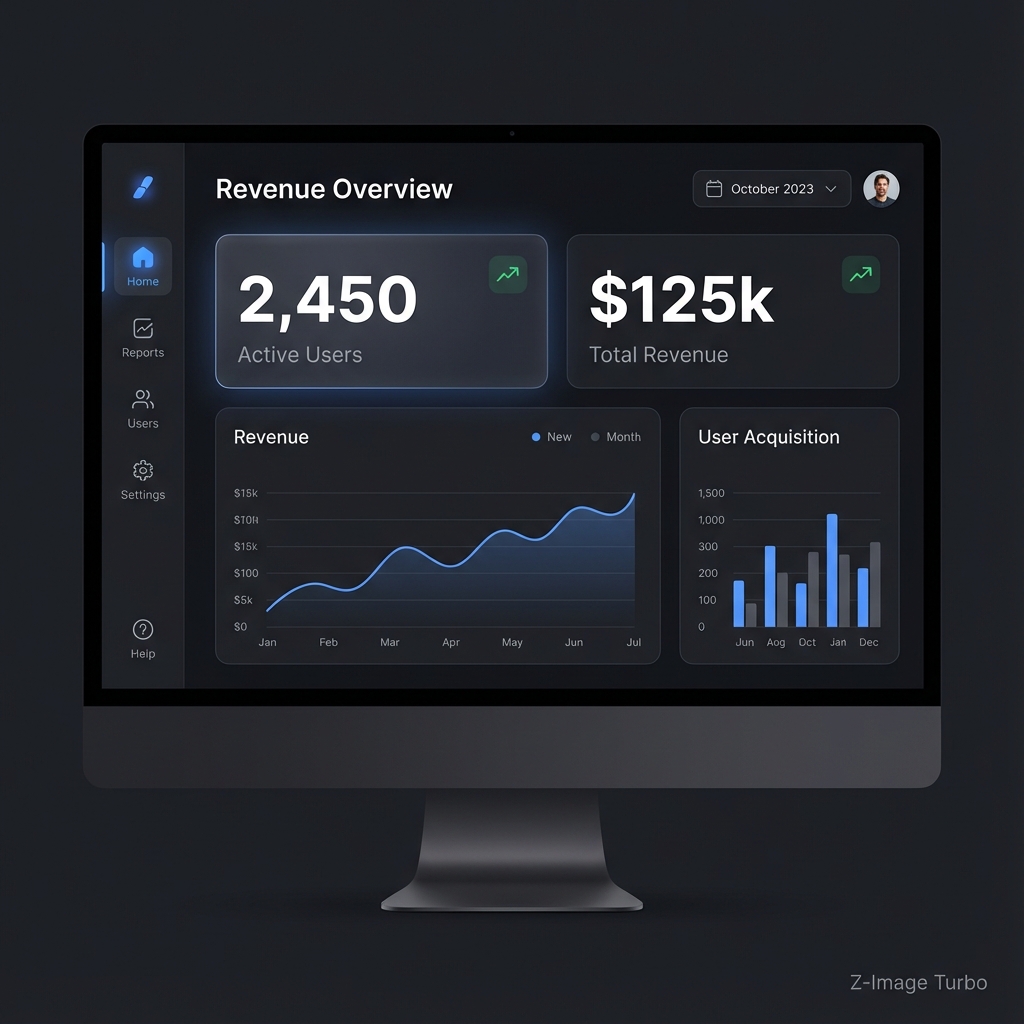
Look at the header. It says "Revenue Overview." The numbers are readable. This is a mockup you can actually show a stakeholder.
2. High-Conversion Landing Pages
A hero section is 50% copy, 50% vibes. If you can't read the copy, you can't judge the conversion potential.
Prompt: A stunning website hero section for a travel site. Full width background image of Mount Fuji. Large bold white text overlay 'Explore Japan'.

The font pairing works. The contrast is accessible. The message "Explore Japan" lands immediately.
3. Mobile App Cards
In mobile design, space is at a premium. Text labels must be concise and legible even at smaller sizes.
Prompt: A modern mobile app UI screen for food delivery. Card showing a delicious burger photo. Text label 'Classic Cheese Burger'. Price tag '$12.99'.
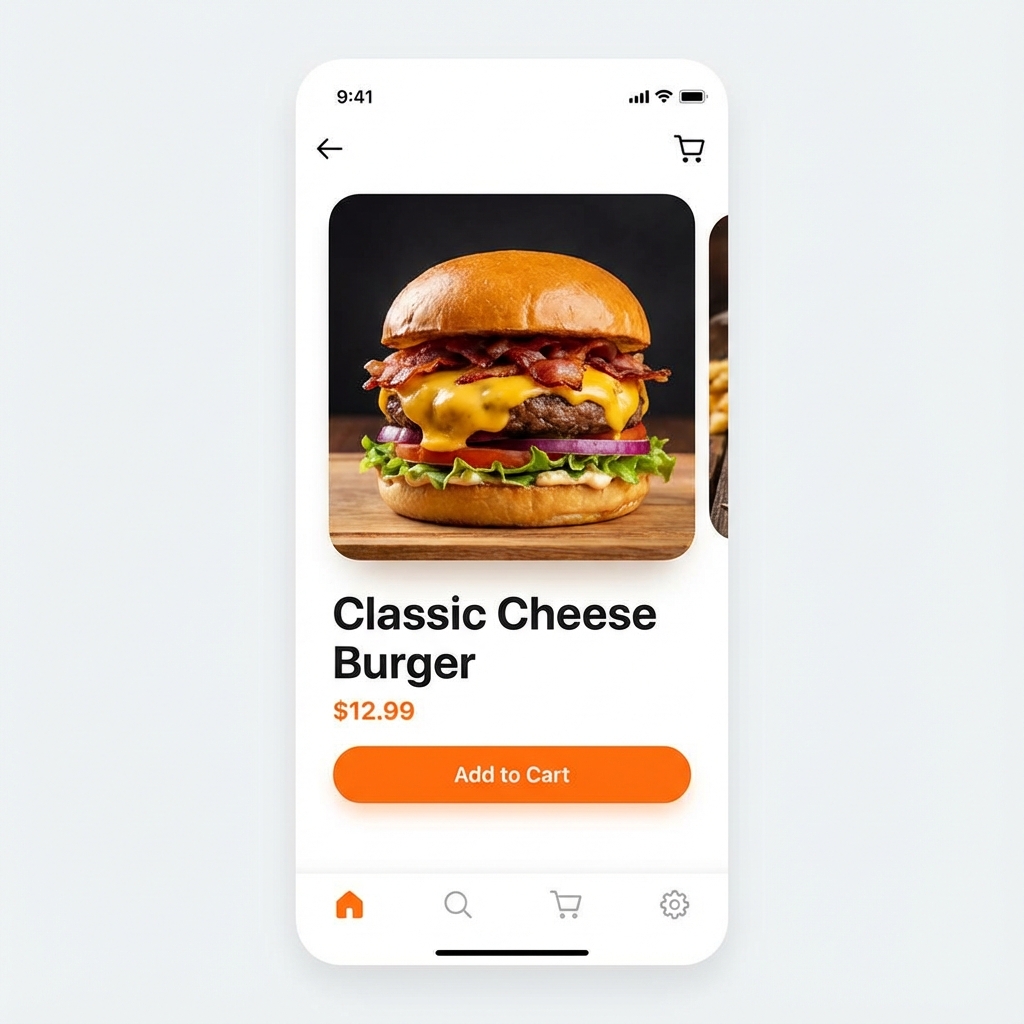
The Workflow: Skip the Placeholder
With Z-Image-Turbo, you can iterate on copy and visuals simultaneously.
- Draft: "Show me a sign-up page for a coffee shop."
- Refine: "Make the button orange and say 'Get Free Coffee'."
- Finalize: Export visuals that already tell the story.
Stop using Lorem Ipsum. Design with real content.