
The "Grey Line" Problem
You've seen them. Those 1-star reviews on Amazon KDP: "Images are blurry," "Lines are grey, not black," "Bleeds through the page."
If you are trying to generate coloring books with standard AI models (like Midjourney v6 or basic SDXL), you are fighting a losing battle against Anti-Aliasing. These models are trained to make photos, so they desperately try to "smooth" your lines with shades of grey.
For a coloring book, this is fatal. You need #000000 (Pure Black) and #FFFFFF (Pure White). Nothing in between.
Enter the z-image "Clean Line" Protocol.
Why Z-Image Wins at Line Art
Unlike general-purpose models, z-image has a dedicated vector-synthesis engine. It doesn't just "filter" an image; it generates geometry.
This allows us to achieve what I call the "Vector-Lock": lines that remain crisp even when upscaled to 300 DPI for print.
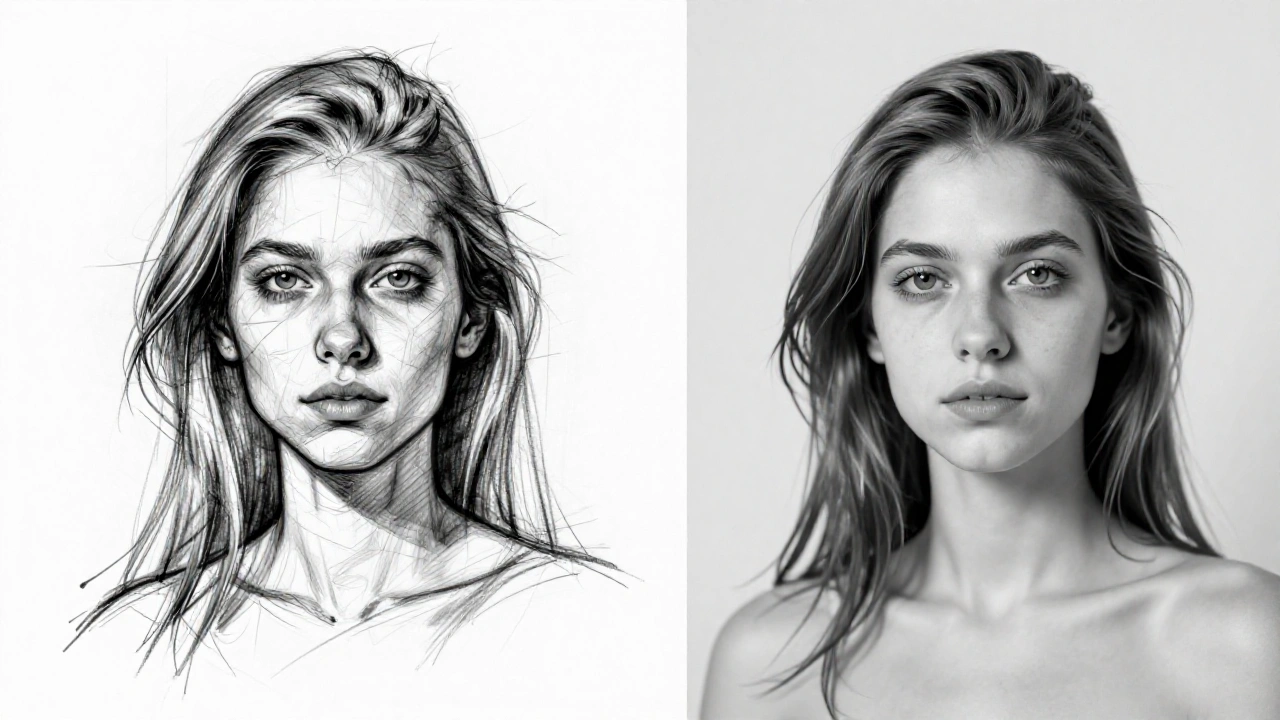
Figure 1: On the left, standard AI "sketch" with artifacts. On the right, Z-Image Vector-Lock output.
The Workflow: From Prompt to Print
Here is the exact step-by-step process I use to generate 50+ page assets in under an hour.
Step 1: The "No-Shade" Prompt Structure
You must explicitly negate shading. Use this formula:
Positive: "coloring book page of [SUBJECT], intricate mandala style, thick clean lines, vector style, white background, high contrast, 8k"
Negative (Critical): "shading, gradients, greyscale, sketch, blurred, noise, 3d render, photo, realistic"
Step 2: Enable "Line Art" Control
In Z-Image Studio, go to the Control tab and select "Canny" or "Lineart".
If you are generating from scratch, set the Style Preset to "Monochrome (Vector)". This is the secret sauce that forces the diffusion model to snap to hard edges.
Step 3: The "Density" Slider
Z-Image has a unique "Detail Density" slider.
- Low (1-3): Good for kids' books (simple shapes).
- High (7-10): Good for "Adult Coloring Books" (stress relief, zentangle).
For KDP, the "Adult" niche is significantly more profitable. Crank that slider to 8.
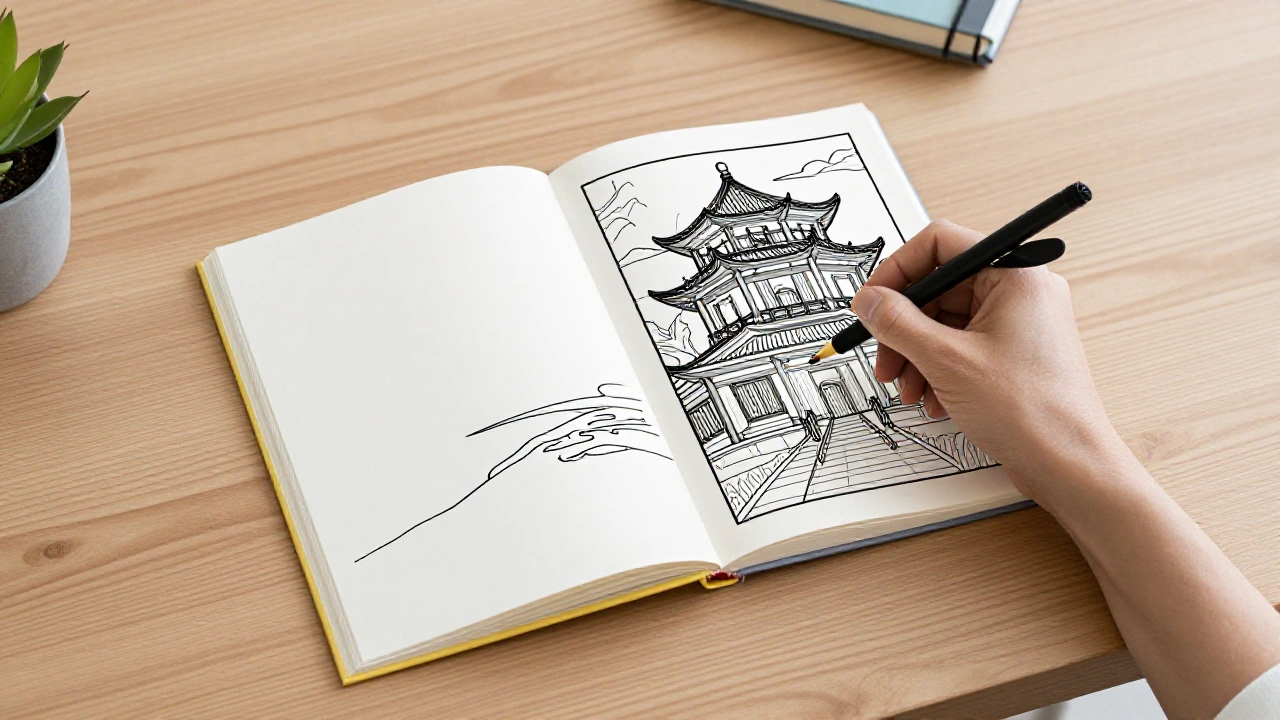
Figure 2: High-density pages ready for compilation.
Upscaling for Print (The 300 DPI Rule)
Amazon KDP requires 300 DPI. A standard 1024x1024 AI generation is only about 3 inches wide at print quality. You must upscale.
- Click "Ultra Upscale" in Z-Image.
- Choose "4x (Print Ready)".
- Z-Image will preserve the hard edges without introducing "jpeg artifacts" around the lines.
Conclusion
The "Gold Rush" for low-content books isn't over, but the bar has been raised. Customers are tired of blurry, grey AI slop.
By using z-image, you aren't just making images; you are manufacturing a product. The distinct black-and-white contrast is what separates a refund from a 5-star review.
Stop fighting the grey. Switch to Vector-Lock.