
Let’s be real for a second. You typed "cyberpunk street samurai" into Z-Image Turbo, and you got a stunning image. Great.
Then you typed it again, maybe changing the hair color. You got... the exact same composition. Center frame, eye level, medium shot. The "Passport Photo" effect.
I’ve been lurking in the Discords and subreddits, and this is the #1 complaint I see about efficient models like Z-Image Turbo. "It’s too consistent!" "Everything looks samey!"
If you feel like you’re fighting the model to get a dynamic angle, you’re not alone. But you’re also probably being too polite. Z-Image Turbo is fast and literal—it needs to be forced out of its comfort zone.
Here are 5 advanced prompting techniques I use to break the "default angle" curse and generate shots that actually look like photography, not AI renders.
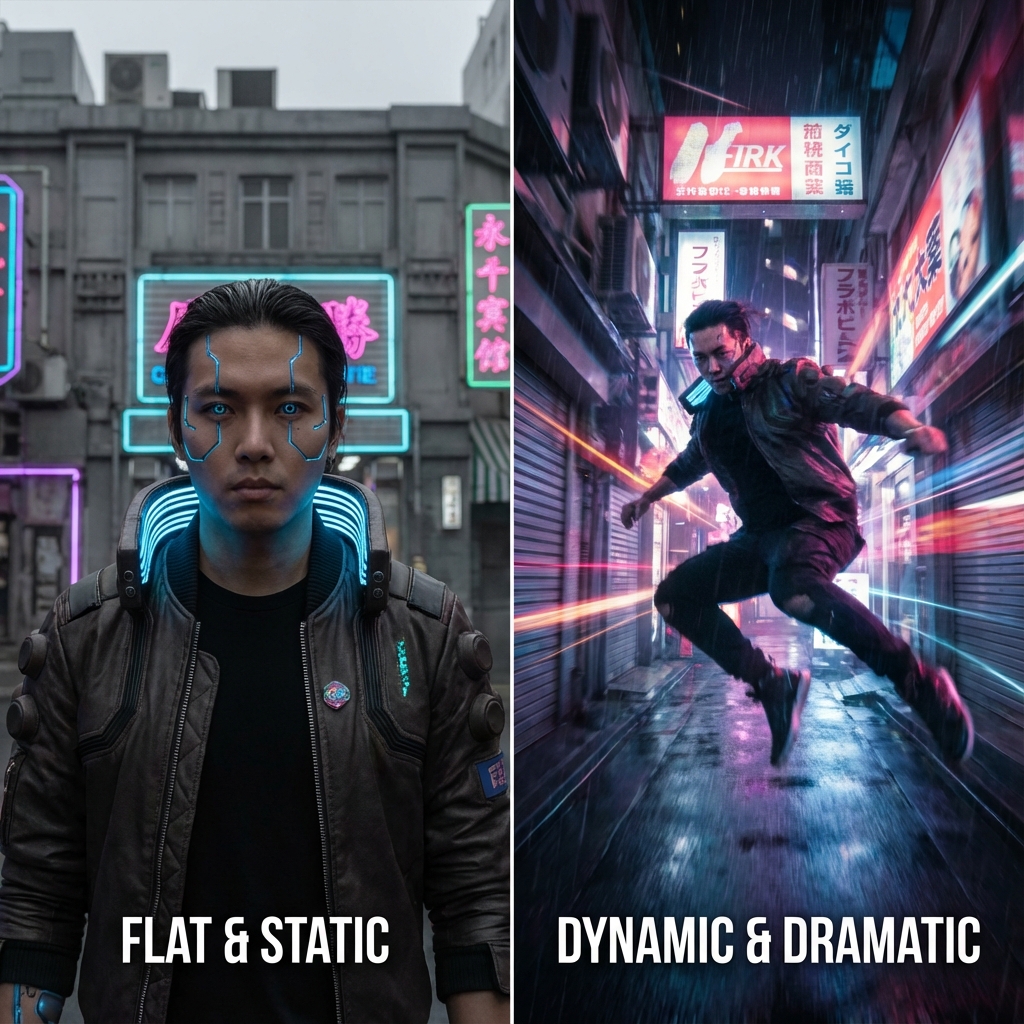
1. The "Camera Operator" Method (Be Explicit)
Most users type what they want to see ("a cat"). They forget to tell the AI how to look at it. If you don't specify an angle, Z-Image defaults to the most statistical average: eye-level, front-facing.
Stop describing the subject. Start describing the camera.
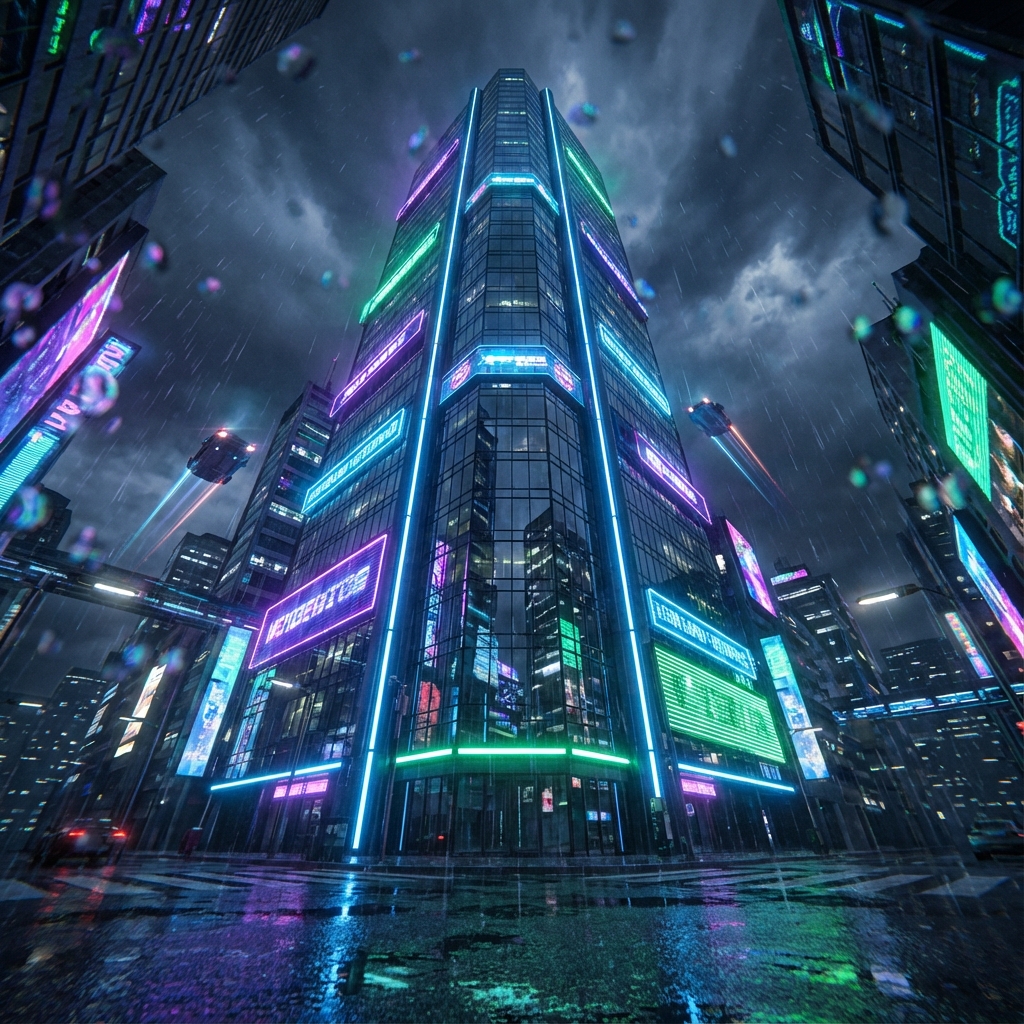
| Instead of... | Try this... |
|---|---|
| "A tall building" | "Worm's eye view, looking straight up at a towering skyscraper, extreme foreshortening, vertigo effect" |
| "A racing car" | "Low angle ground shot, camera placed on asphalt, motion blur, wide lens focus" |
| "A woman reading" | "Over-the-shoulder shot, superficial depth of field, focus on book text, blurred background" |
Pro Tip: Use keywords like
Dutch angle(tilted camera) orfisheye lensto instantly shatter the perfect symmetry that makes AI images feel stiff.
2. Aspect Ratio Hacking
We love squares (1:1). Instagram loves squares. But AI models often "lock" compositions to aspect ratios. A 1:1 square tends to center subjects.
If you want a cinematic feel, you need to force a cinematic canvas. Changing the aspect ratio doesn't just crop the image; it fundamentally changes how the model composes the scene.
- For Landscapes/Action: Use 16:9 or 21:9. The extra width forces the model to fill the negative space, often resulting in "rule of thirds" compositions naturally.
- For Portraits: Use 9:16. This encourages full-body shots or vertical distinctiveness that a square frame cuts off.
3. The "Force" Verbs
Adjectives are weak. Verbs are strong.
"A beautiful warrior" is a static description. "A warrior lunging towards camera" is an action.
To get dynamic angles, use verbs that imply movement through the Z-axis (depth).
- Lunging
- Falling
- Reaching
- Exploding
- Shattering
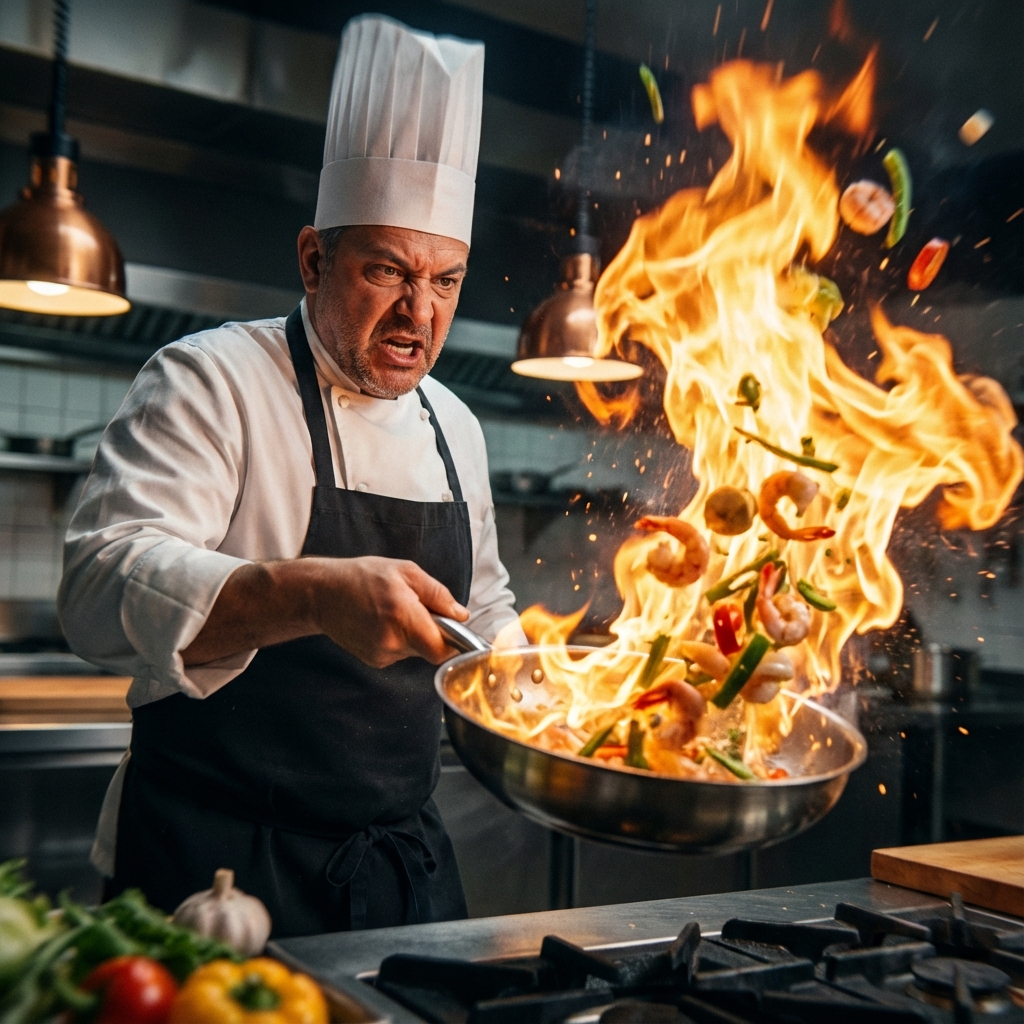
Prompt Comparison:
- Weak: "A fast spaceship."
- Strong: "A spaceship tearing through the atmosphere, afterburners screaming, blurring past the camera."
4. Negative Prompting "Boring"
Sometimes it's easier to tell Z-Image what you don't want. The negative prompt is your safety net. If you're getting too many "passport photos," stack your negative prompt with specific composition killers.
Add these to your Negative Prompt:
symmetrical, centered, eye level, static, portrait, passport photo, mugshot, flat lighting, boring composition
This forces the latent space away from those averages, pushing the model toward the chaotic edges where the magic happens.
5. Image-to-Image composition (The Nuclear Option)
If words fail you, draw it.
You don't need to be Da Vinci. Open Paint, draw a stick figure in the corner of the frame, or draw a weird perspective grid. Feed that into Z-Image's Image-to-Image mode with a low denoise strength (0.4 - 0.6).
The model will use your crude drawing as the structural scaffolding. It’s the ultimate way to say, "Put the guy HERE, not in the middle."
Conclusion
Z-Image Turbo is a tool, not a mind reader. Its "flaw" of consistency is actually a feature for stability, but creative work requires instability.
Next time you open the prompt box, don't just be a writer. Be a Director of Photography. Move the camera. Tilt the lens. Scream "Action!"
Ready to try these out? Launch Z-Image Turbo Now and break the mold.