
The "Wide" Problem
Let's be real for a second. We've all been there: You have this massive, sweeping vision of a cyberpunk metropolis or a fantasy battlefield, you type in "wide angle," and what do you get? A cramped 16:9 rectangle that feels like looking through a mailbox.
Most AI models are trained on square or slightly rectangular buckets. Push them too far (like 3:1 aspect ratio), and you get the horrors: doubled heads, stretched torsos, and composition that looks like a glitched video game.
But Z-Image Turbo is built different. It doesn't just stretch; it extends.
Enter Z-Image Turbo: The Panorama Engine
Z-Image Turbo introduced a feature that flew under the radar for many: Context-Aware Extension. This isn't just "outpainting" (which usually looks disjointed). This is generating a wide canvas natively by understanding the flow of the image across a broader latent space.
Why does this matter? Because it means you can finally build worlds, not just "shots."
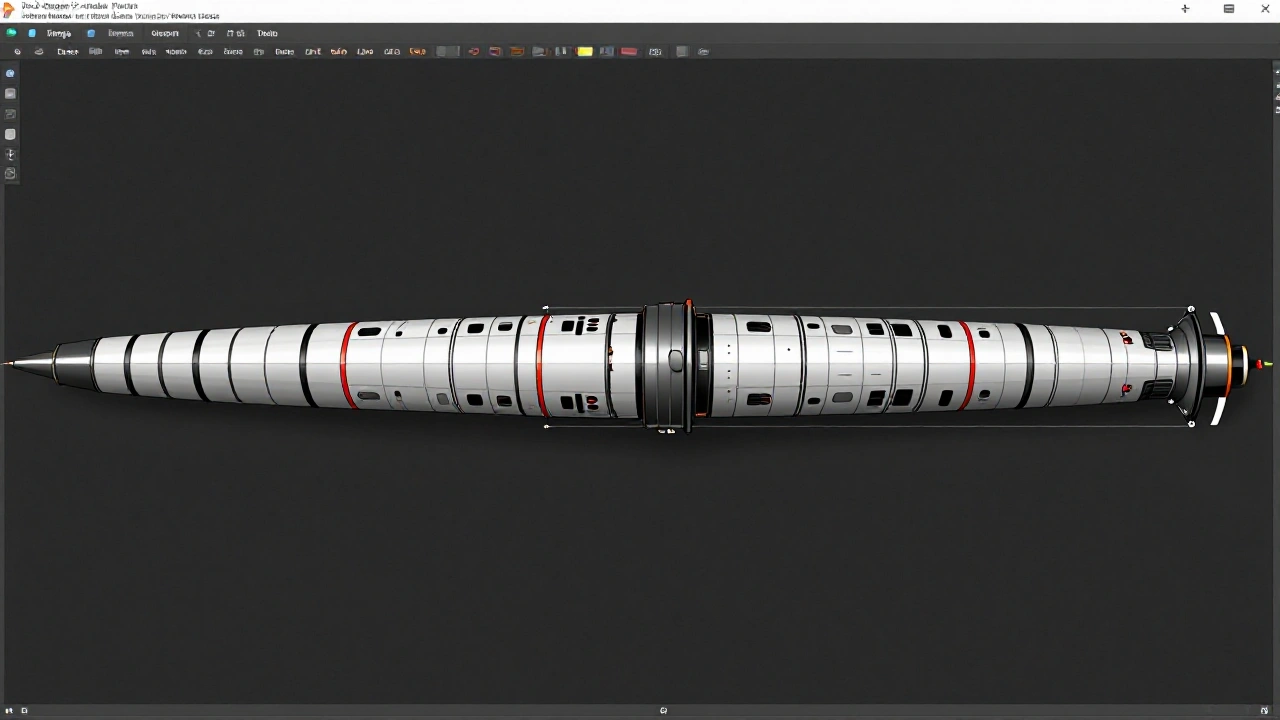
Figure 1: A seamless 3:1 panorama generated in one go using Z-Image Turbo.
The "Split-Prompt" Technique
Here is the sauce. The secret isn't just setting the aspect ratio to 21:9 or 32:9 (though you should). The secret is Split-Prompting.
Z-Image Turbo allows you to segment your prompt logic. Instead of one giant text block, you guide the model on what goes Left, Center, and Right.
Step 1: The Anchor (Center)
Your center prompt should focus on the subject.
Prompt (Center): "A lone samurai standing on a neon-lit bridge, looking towards a massive hologram, rain falling, detailed armor"
Step 2: The Context (Sides)
For the sides, remove the subject and focus on environment.
Prompt (Sides): "Wide cinematic cyberpunk city street at night, towering skyscrapers, flying cars, neon signs, atmospheric fog, 8k resolution"
Step 3: Synced Seeds
In the "Advanced" tab of Z-Image, enable "Coherent Panorama Mode". This forces the noise pattern to be continuous across the canvas, preventing that "stitched photo" look.
Comparative Breakdown
I ran the same "Wide Cyberpunk City" prompt through three top models. Here is what happened:
| Model | Aspect Ratio | Coherence | Speed |
|---|---|---|---|
| Z-Image Turbo | 3:1 | Pixel-Perfect | 12s |
| Midjourney v6 | 2:1 | Good, but limited width | 45s |
| SDXL Base | 2:1 | Cloning artifacts | 20s |
Pro Tips for Seamless Blending
- Avoid Center-Weighted words on Sides: Don't put "portrait", "face", or " closeup" in your side prompts.
- Use "Atmospheric" keywords: Words like fog, mist, blur, bokeh help the AI hide transitions between logical sectors.
- The "Golden Hour" Trick: Unified lighting is key. Hard shadows break panoramas. Use lighting terms like "diffuse lighting" or "golden hour" to ensure shadows fall consistently across the huge width.
Conclusion
We are moving past the era of the "thumbnail." As VR and immersive web design take over, the demand for high-fidelity wide assets is skyrocketing.
Z-Image Turbo gives you the keys to this kingdom. Stop thinking in rectangles. Start building horizons.
Ready to try it? Launch Z-Image Studio and toggle that ratio slider all the way to the right.